SQE1 for staff
Classes
Load a whole timetable, or add one class.
Each class shows on the students' calendar and home page, and on the register.
Loading a timetable
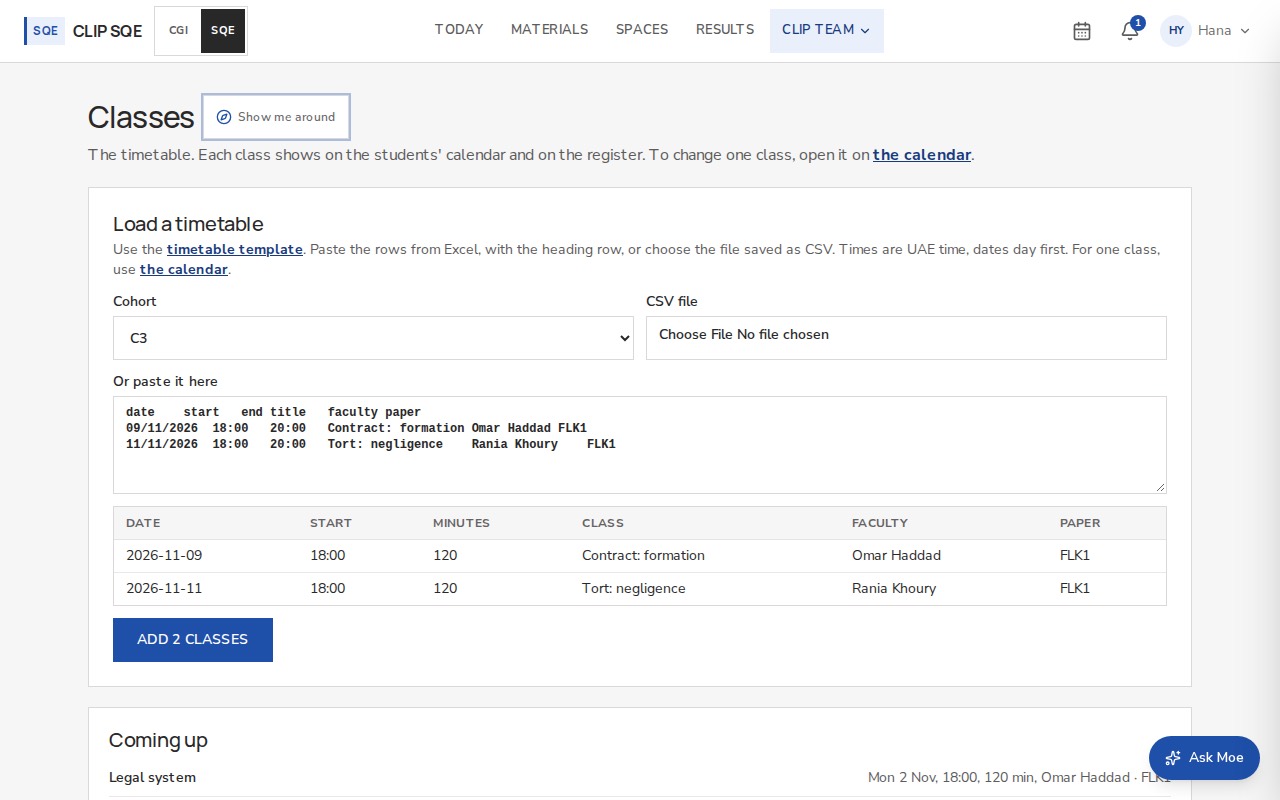
Use the timetable template: date, start, end, title, faculty, paper. Dates are day first, and times are UAE time.
Open CLIP team → Classes and choose the cohort.
Paste the rows from Excel with the heading row, or choose the file saved as CSV.
Check the table. Any problem is shown by row, and nothing can be added until it's fixed.
Press Add. Classes already there are skipped, and nobody is told.
Name the faculty member as they appear on their account. Today then opens on their own class first.
One class
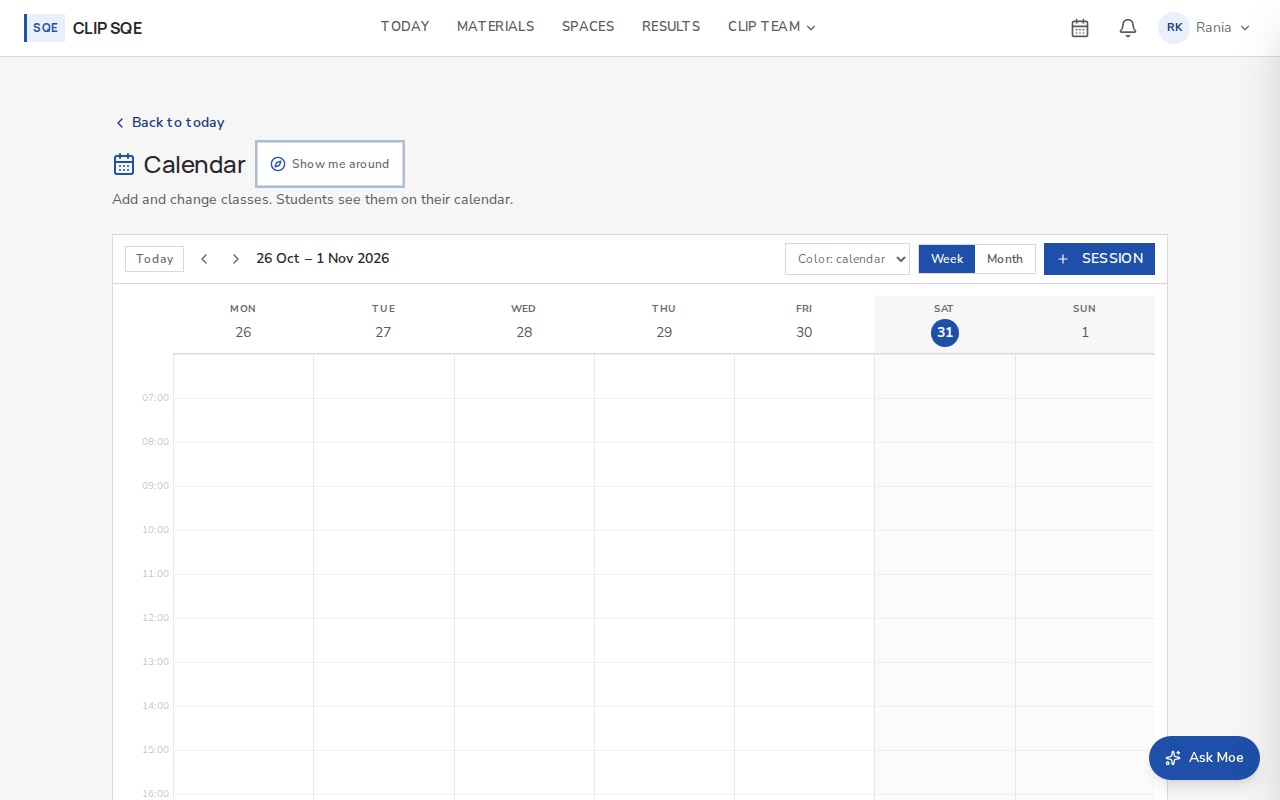
Press the calendar icon at the top, then Session. Open a class on the calendar to change or cancel it.